AI-Powered Enhancer · Built for real estate

AI real estate photo enhancement,
in one click.

Automatic AI photo editing and retouching for your real-estate listings, bright, straight and listing-ready in one click.


/ Try on your photo3 Free credits
Drop a photoTake a photo or browse filesJPG · PNG · HEIC · 3 free photos
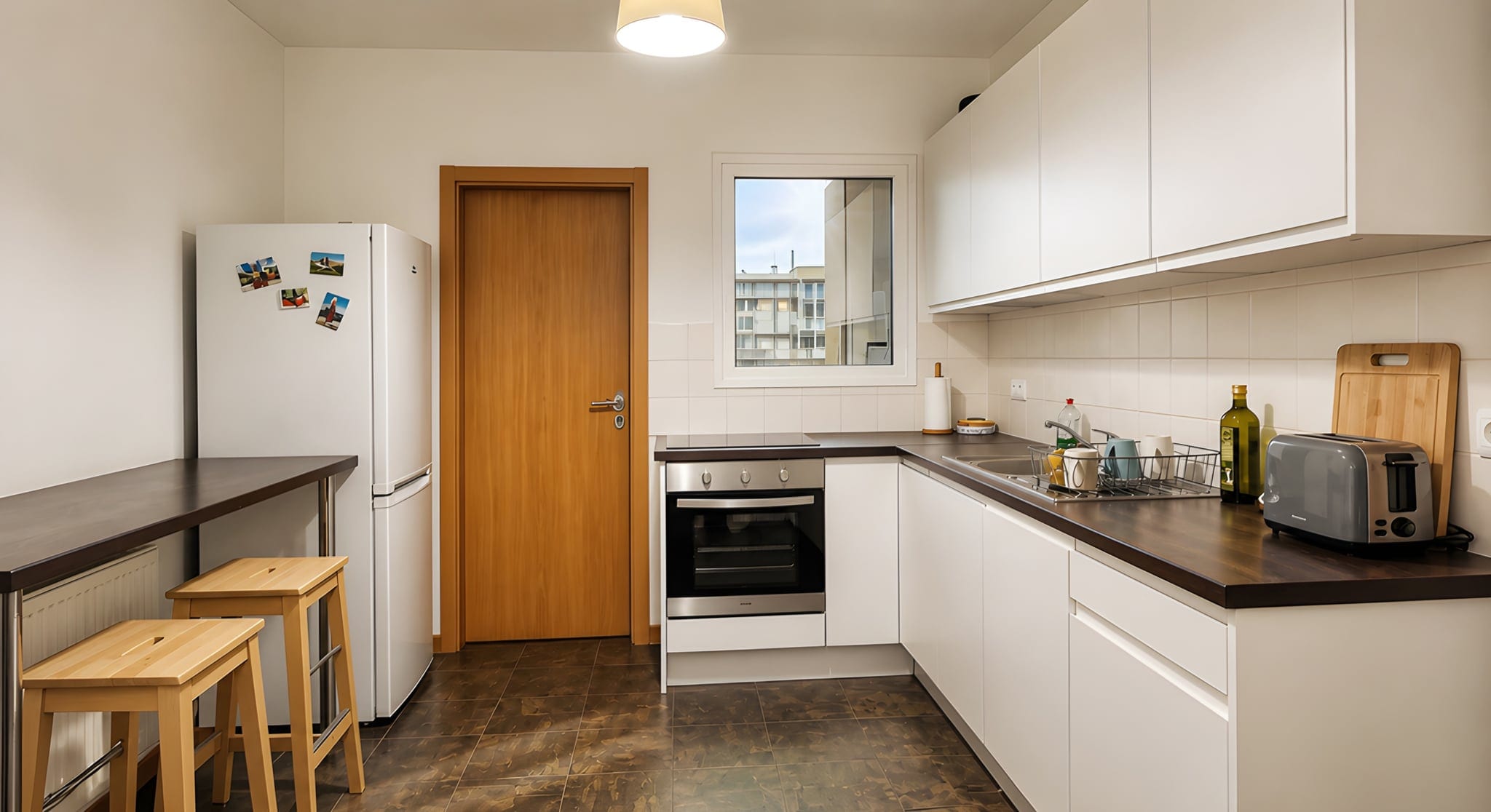
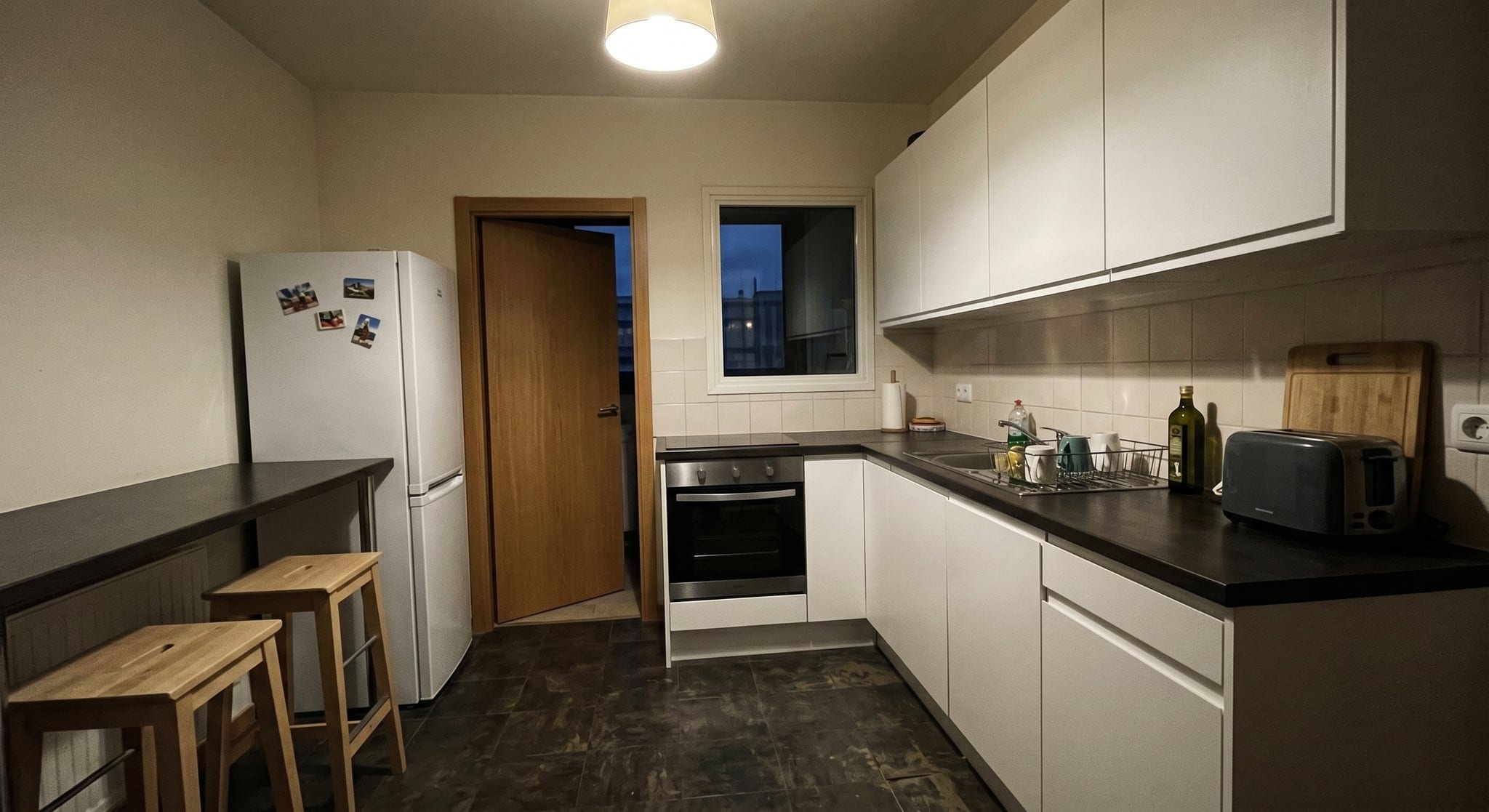
The same kitchen after real estate photo enhancement with Sublim.it, balanced light and neutral colour
Real estate kitchen photo taken on a phone, before enhancement
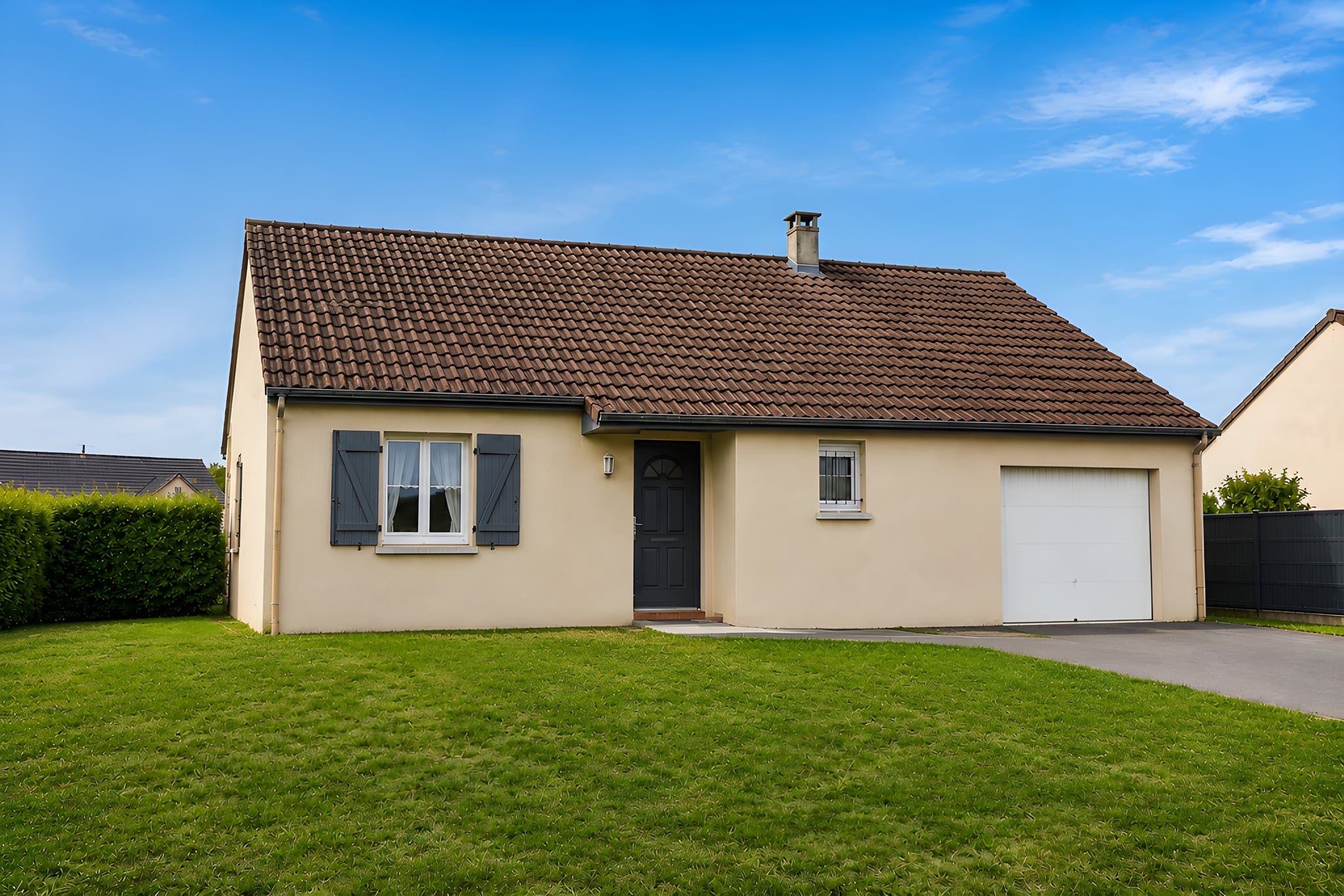
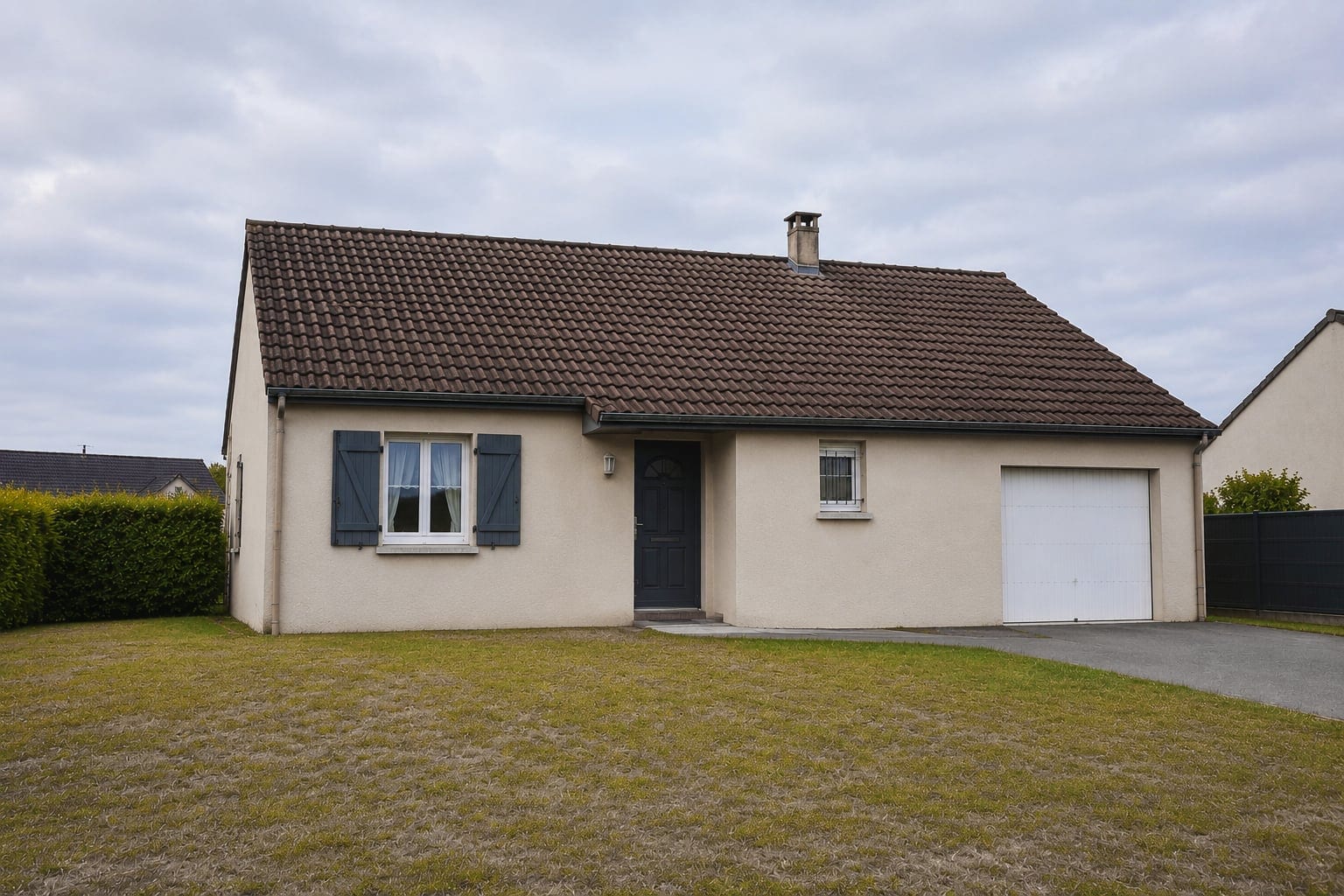
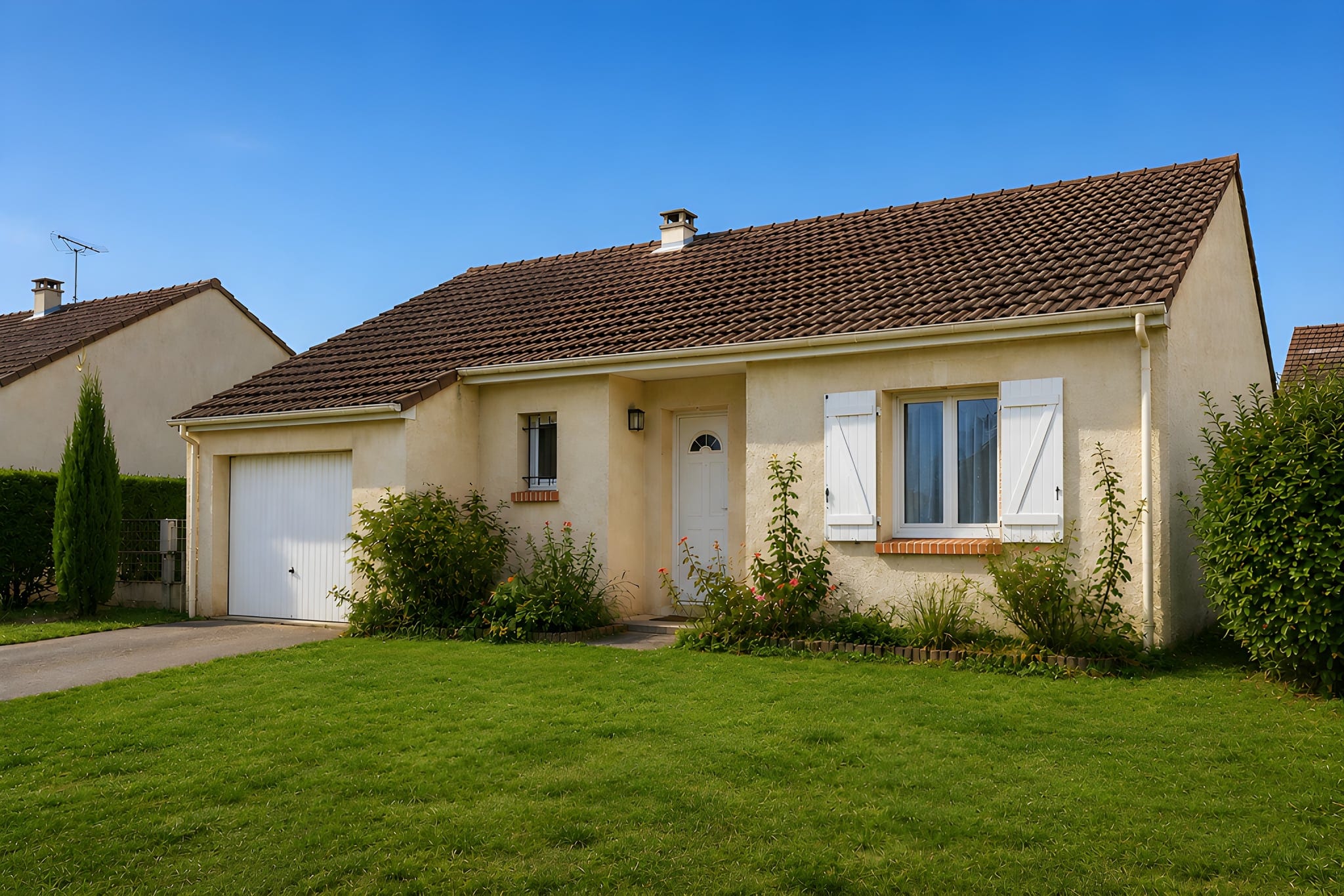
The same house exterior after Sublim.it AI enhancement, with a clear blue sky
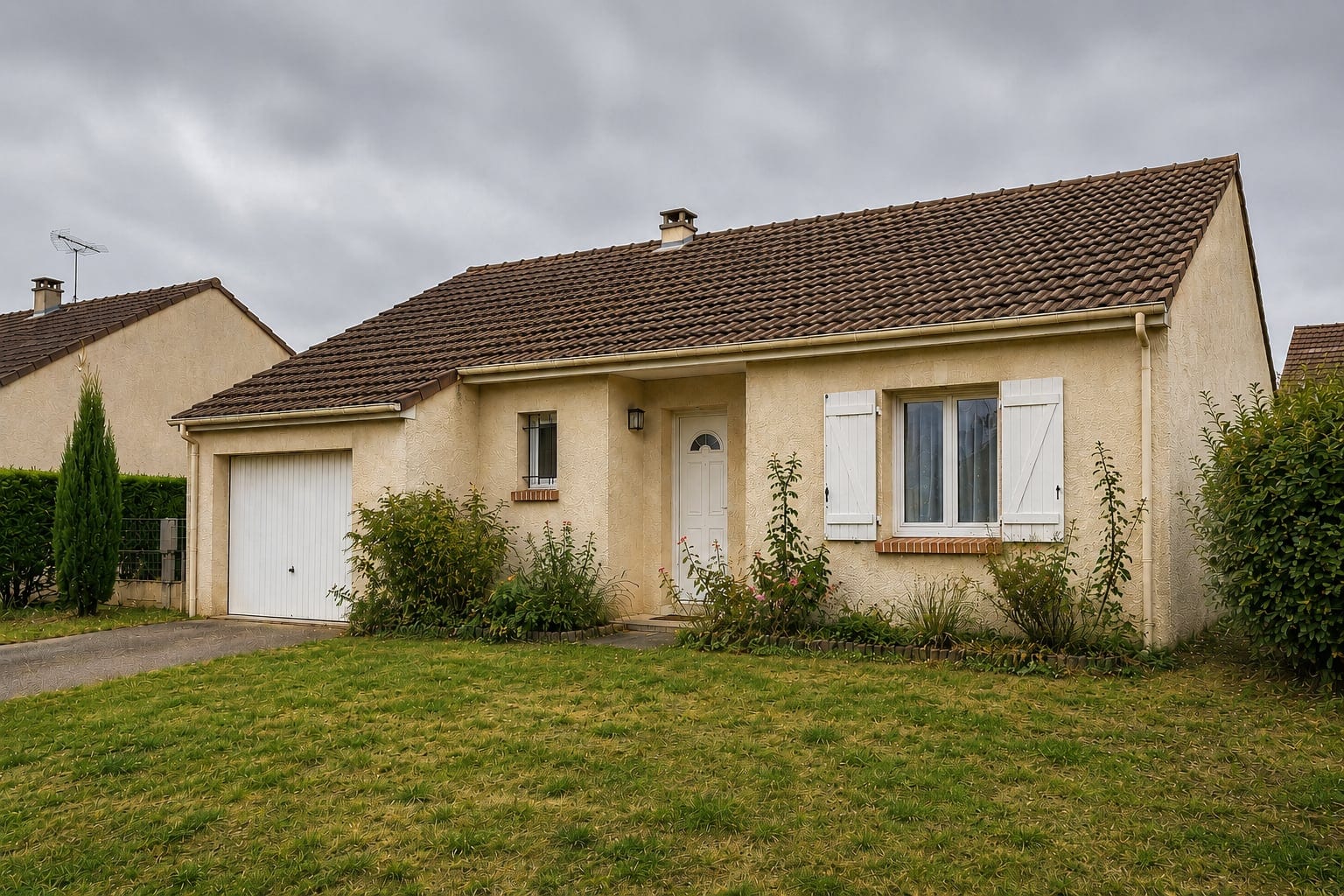
House exterior listing photo shot on a phone, before enhancement
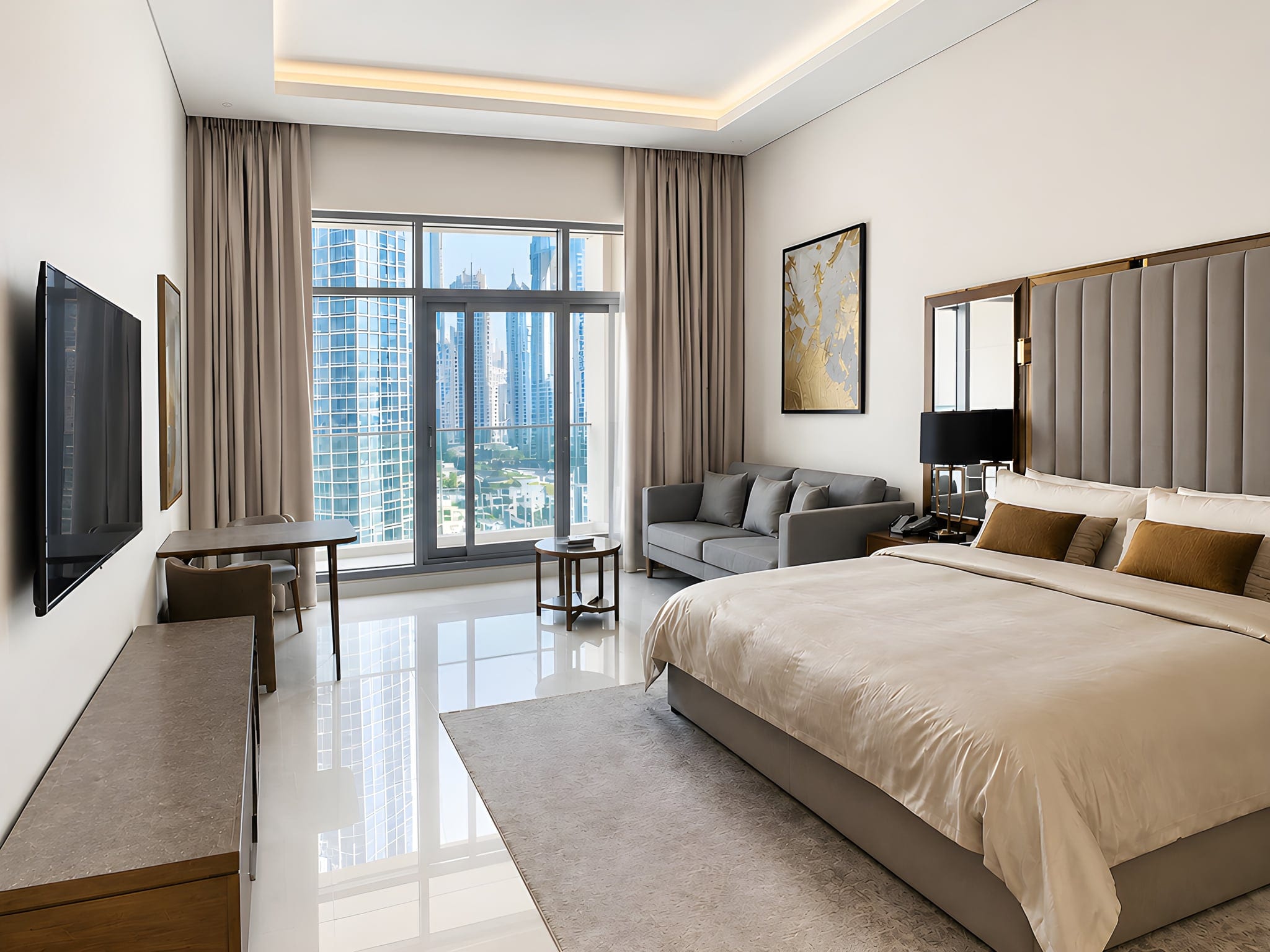
The same bedroom after Sublim.it AI enhancement, with soft natural daylight
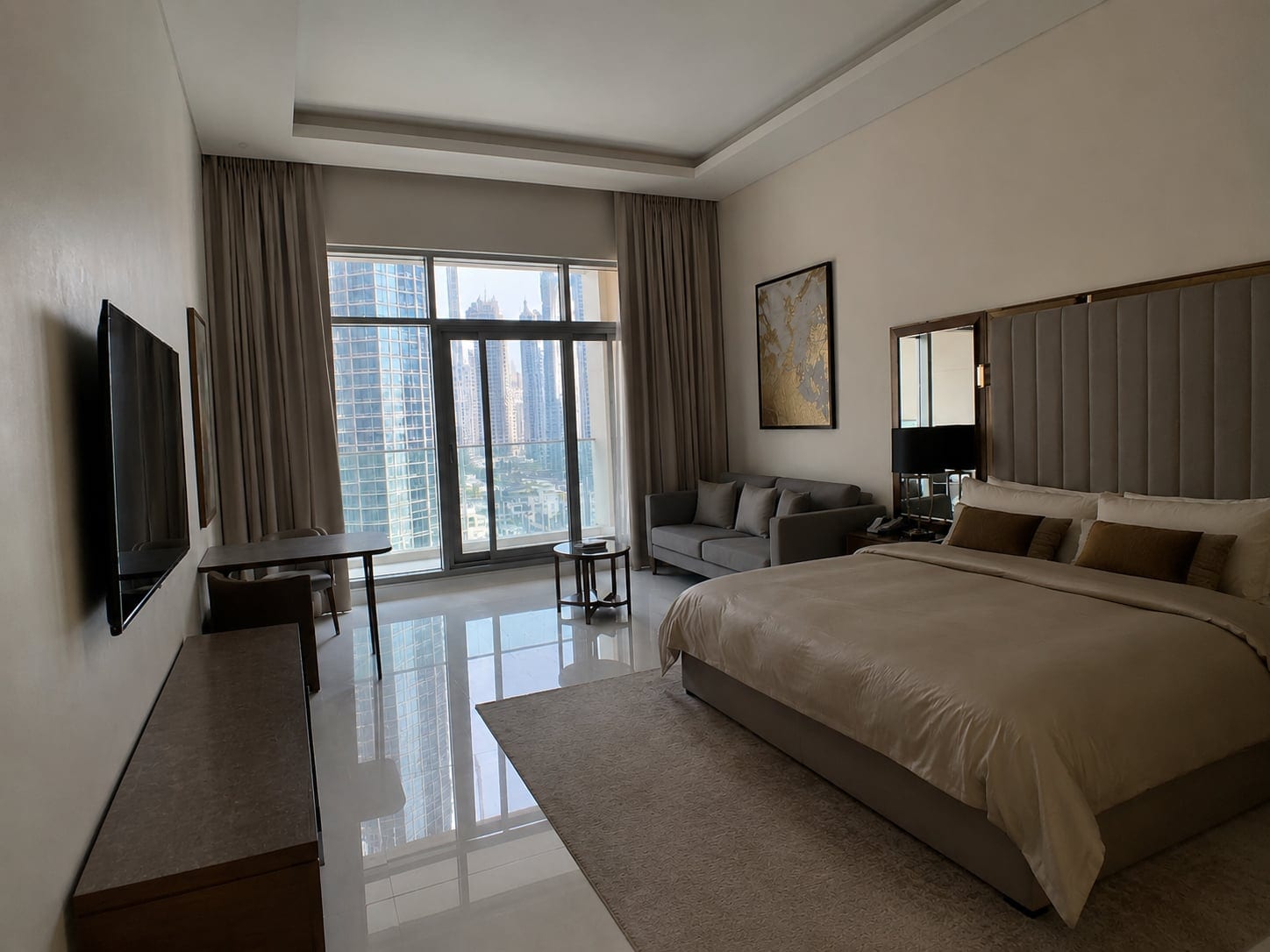
Bedroom listing photo taken on a phone, before enhancement
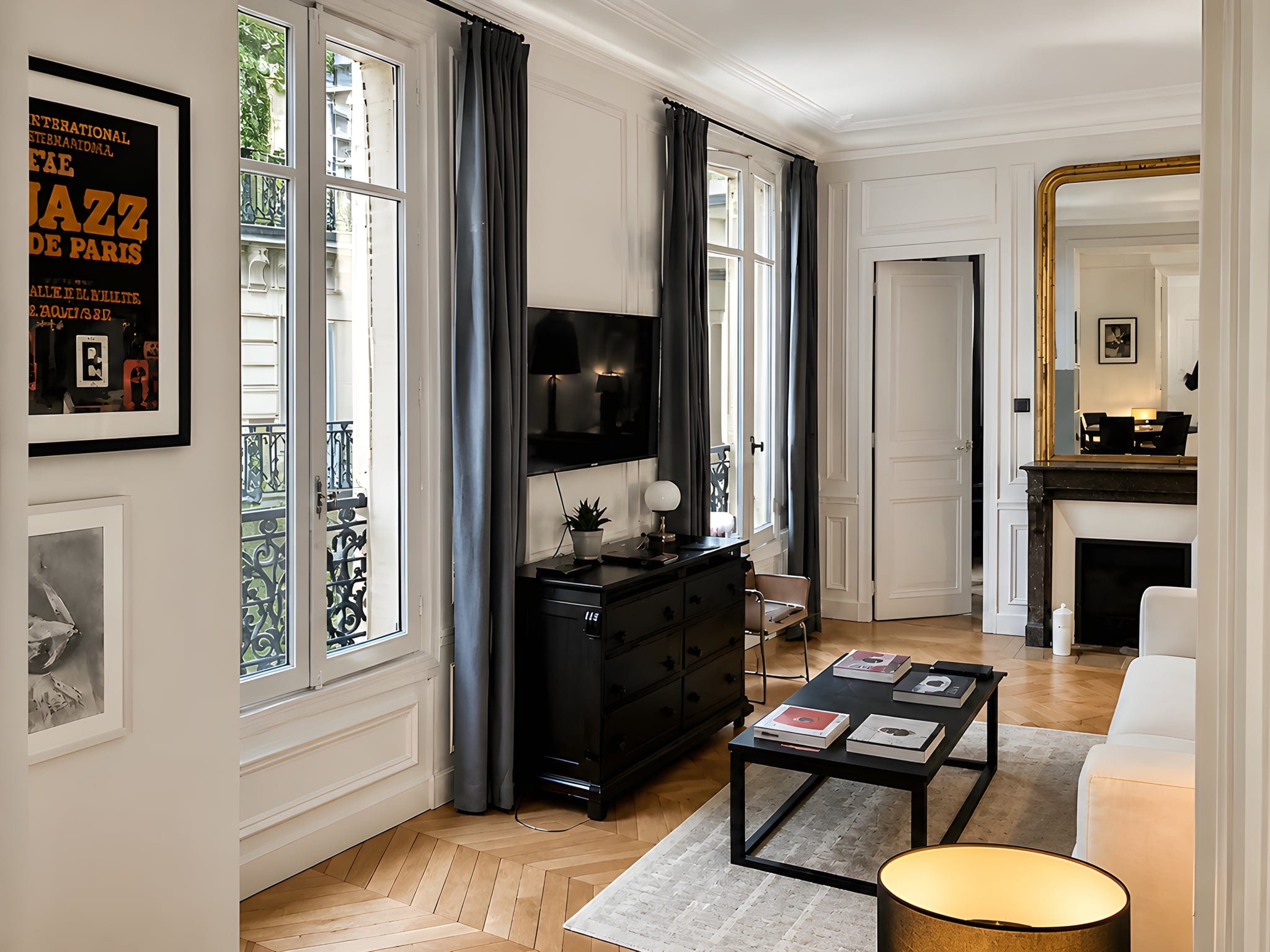
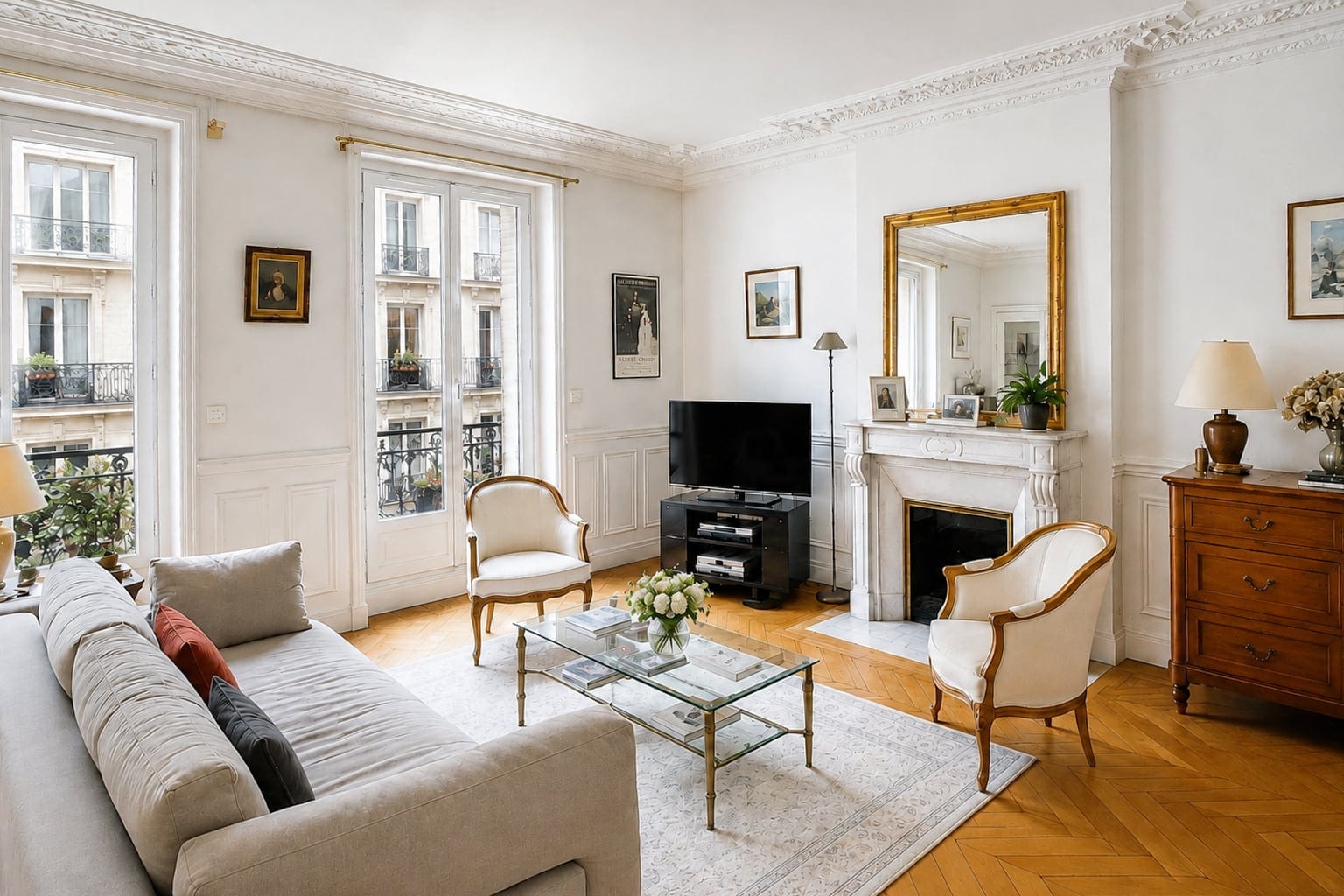
The same Paris apartment after Sublim.it AI photo enhancement
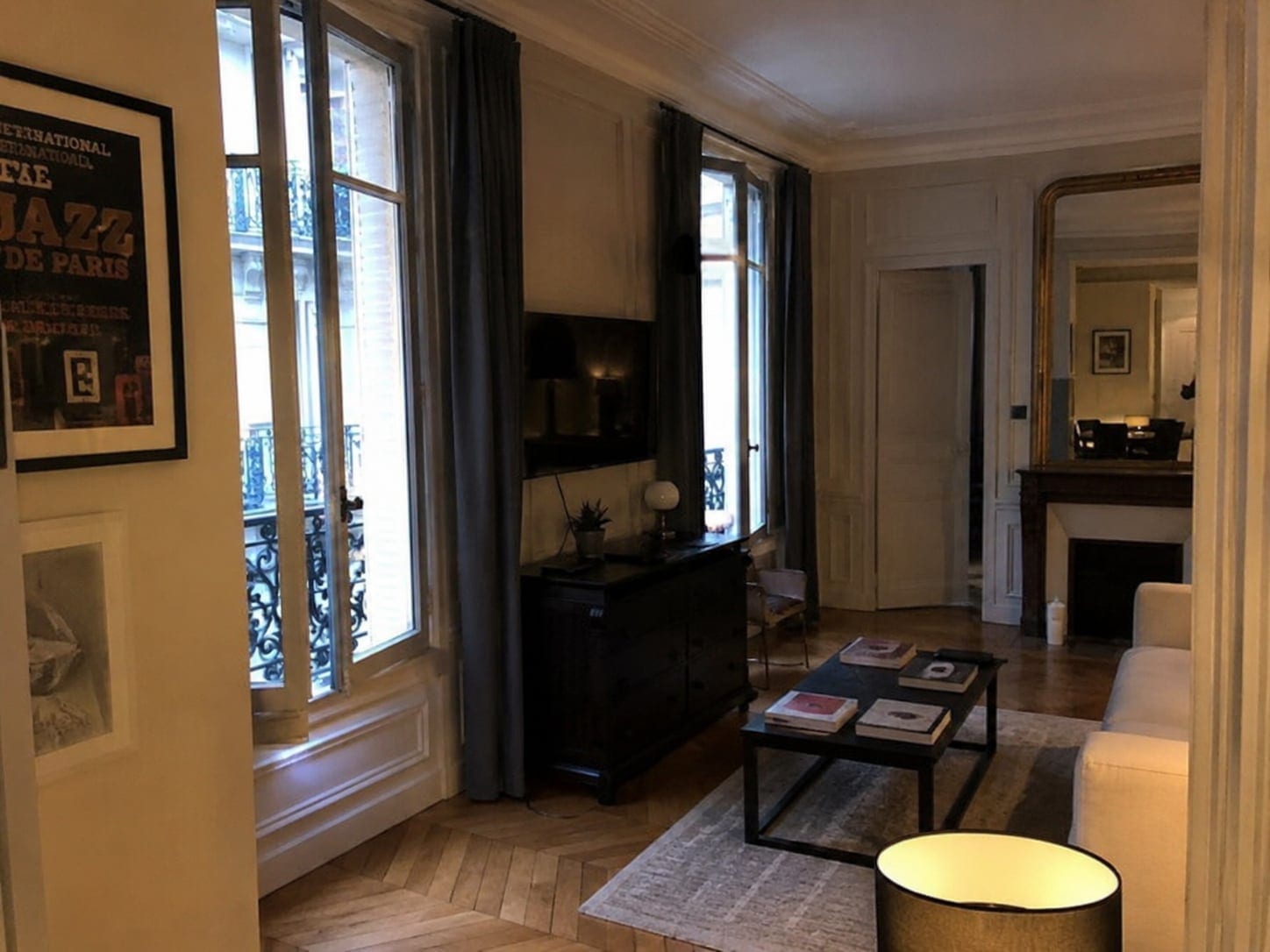
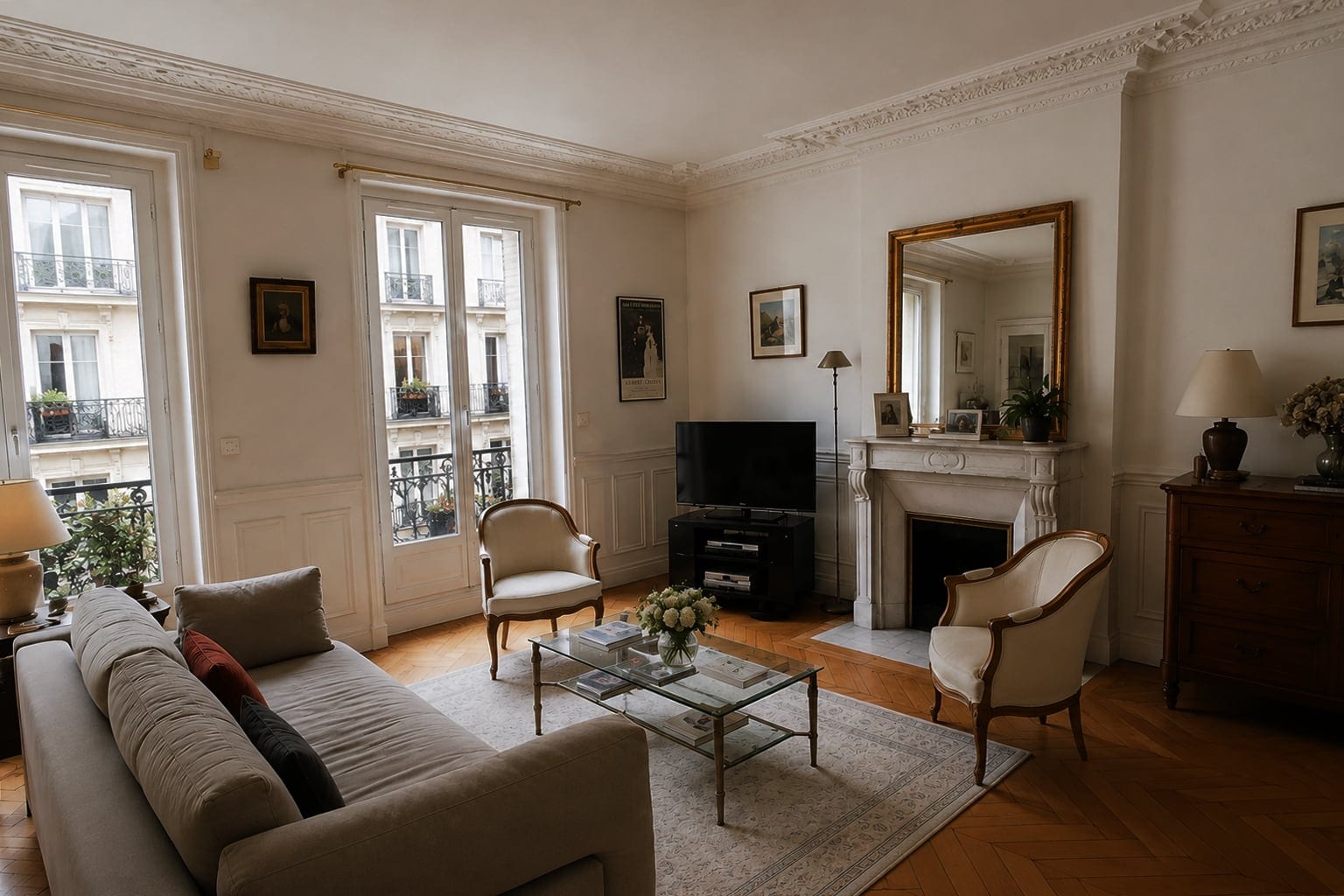
Paris apartment listing photo shot on a phone, before enhancement
Before · PhoneAfter · Sublim.it
01 / 04
More clicksBright, corrected photos stand out on every listing portal.
Ready in secondsOne click, no editing skills and no software to learn.
Look premiumA polished, editorial-quality finish on every room.
No photographerPro-looking shots from the phone you already own.
How it works
/ Three steps, no editing skills

AI real estate photo editing,
step by step.

01

Upload

Drag in photos from your phone or laptop. HEIC, JPG, PNG, WEBP and more, a whole listing at once.

Drop photos or browse
3 photosUploading
02

Enhance

One tap. The AI detects interior or exterior, then balances light, fixes colour, straightens walls and sharpens to 4K.

Enhance
One tap · no editing needed
03

Download

Download in one click at full 4K, ready for the MLS. No watermark on paid plans.

Download in 4K
Try it free3 free photos · no credit card
What it fixes
/ Six corrections, one click

What real estate photo
enhancement corrects.

Real estate photo enhancement automatically corrects a listing photo: exposure, white balance, leaning walls, sharpness and a dull sky, turning a phone shot into a bright, listing-ready image in one click.

Brightness & exposure

Lifts dark, underexposed rooms to clean, neutral daylight.

HDR & dynamic range

Balances bright windows against dark corners in one shot.

WB

White balance & colour

Removes the orange, mixed-light cast for clean tones.

Straight verticals

Straightens leaning walls and corrects perspective.

Sharpness & detail

Recovers texture and cleans up mild softness or blur.

Natural sky & lawn

Outdoors, evens a grey sky to blue and revives the lawn.

Real edits only
/ Enhance, never fake

What it does,
and never does.

Sublim.it improves the photo you actually took. It never invents what was not there.

It enhances

  • Balances light, exposure and HDR
  • Neutralises white balance
  • Straightens leaning walls
  • Sharpens detail
  • Cleans a dull sky and lawn outdoors

It never

  • No object or clutter removal
  • No virtual staging or added furniture
  • No fake or swapped skies
  • No invented features
  • Keeps your room and objects exactly as shot

Enhancing light and colour is standard practice; manipulation can break MLS rules. Sublim.it stays on the honest side, delivering clean HDR balance and colour, the same finish a good editor would.

Real examples
/ Drag the divider to compare

Real estate photo retouching,
before and after.

Real phone photos retouched by Sublim.it, nothing staged. See the full method in the guide to premium listing photos.
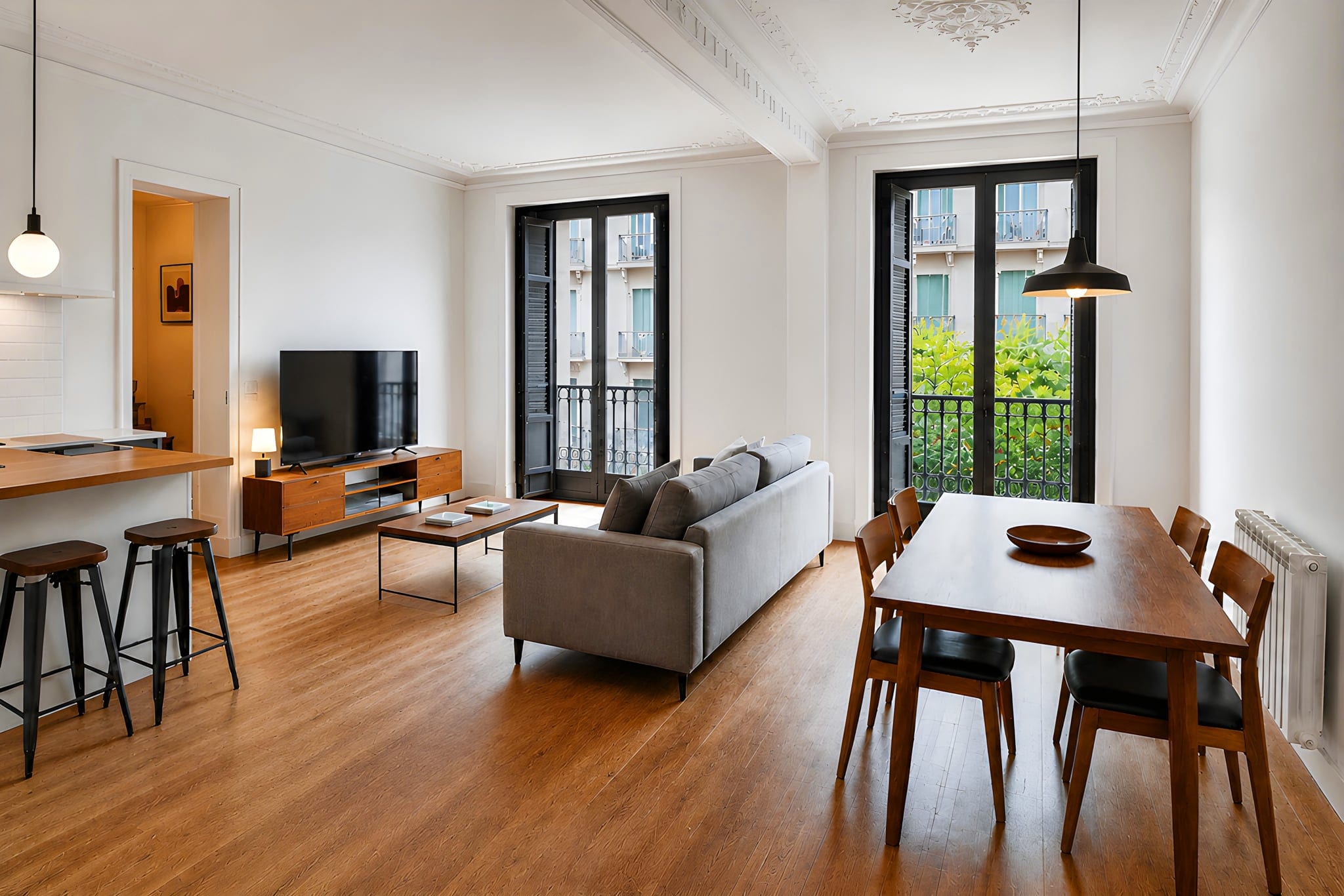
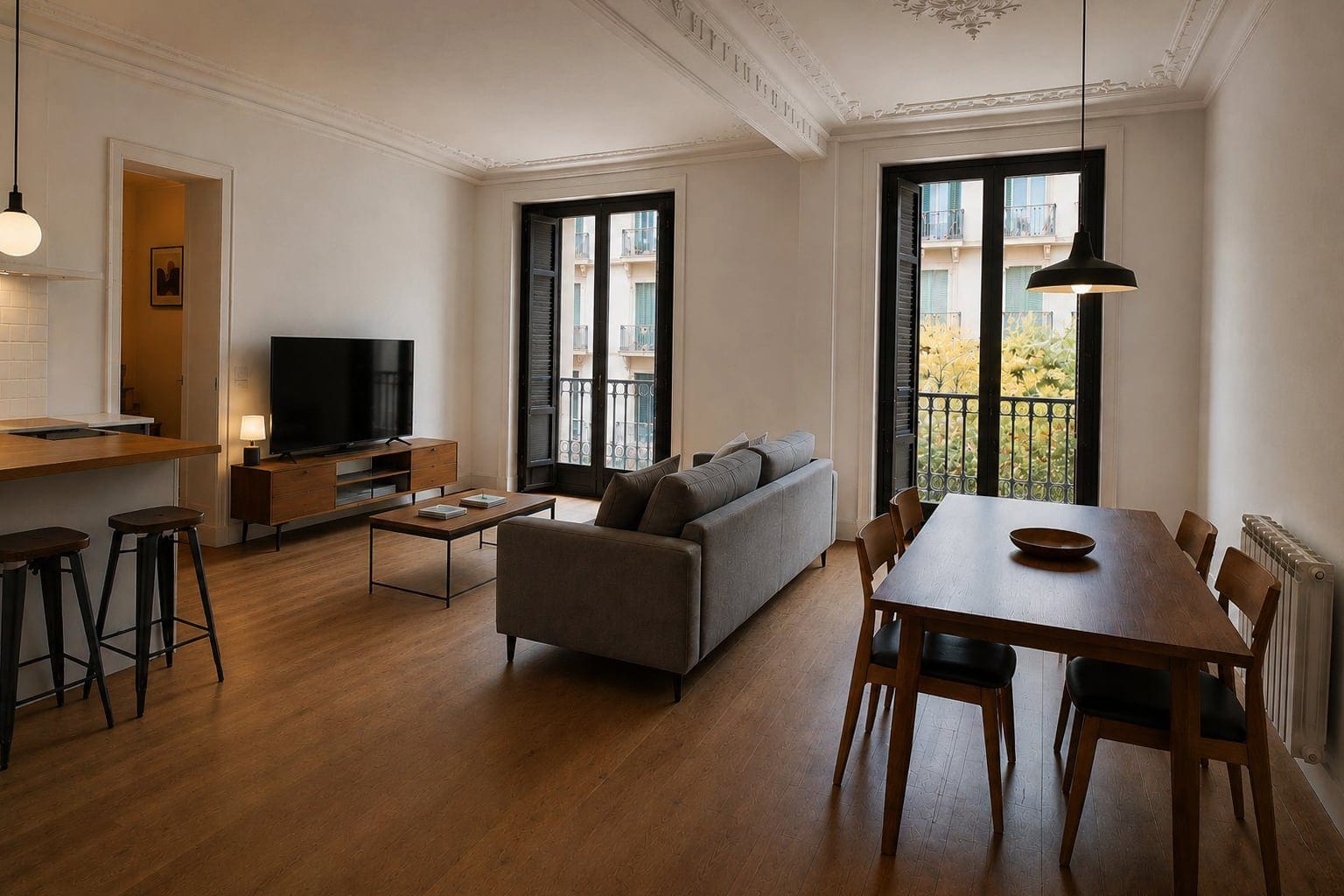
Living room in Barcelona, after real estate photo enhancement with Sublim.it
Living room in Barcelona, original phone photo before enhancement
BeforeAfter
Living roomBarcelona
Facade & garden in Gironde, after AI real estate photo editing with Sublim.it
Facade & garden in Gironde, original phone photo before enhancement
BeforeAfter
Facade & gardenGironde
Bedroom in Dubai, after real estate photo retouching with Sublim.it
Bedroom in Dubai, original phone photo before enhancement
BeforeAfter
BedroomDubai
Living room in Paris, after real estate photo enhancement with Sublim.it
Living room in Paris, original phone photo before enhancement
BeforeAfter
Living roomParis
Try it free3 free photos · no credit card
Testimonials
/ From agents, hosts & homeowners

See why people
choose Sublim.it.

For my best properties, I used to book a photographer before listing them. Now I just take the photos myself and enhance them with Sublim.it. It's faster, more affordable, and I use it for almost every new property.
Camille ReynaudIndependent agent · Paris, France
+30%
click-through on listings
−4 days
average time to publish
€600
saved per month on photography
★★★★★
“As an independent agent, every listing needs to make a great first impression. I can now get clean, polished photos in minutes, making every property look its best. My listings attract more attention online, and I've noticed a clear increase in buyer inquiries.”
Rubén SolerIndependent agent · Valencia, Spain
★★★★★
“We manage over 40 Airbnb properties, so updating photos is part of our daily routine. With Sublim.it, our team shoots on a phone and gets professional images in minutes. It saves us hours every week.”
Marcus ColemanProperty manager · Miami, USA
Pricing
/ No commitment

Real estate photo enhancement
services, priced simply.

An instant alternative to an outsourced editing service: same-day results, no per-photo wait. See full pricing.

Starter

For agents who publish a couple of listings a month.

€7/ month
Billed monthly
  • 20 enhanced photos / month
  • Full 4K, no watermark
  • Batch enhance (up to 50)
  • Free re-generations
Business

For agencies and high-volume brokerages.

€59/ month
Billed monthly
  • 500 enhanced photos / month
  • Full 4K, no watermark
  • Batch enhance (up to 50)
  • Free re-generations
FAQ
/ Quick answers

Real estate photo enhancement,
answered.

What is real estate photo enhancement?

It is the automatic improvement of property photos: correcting exposure and white balance, brightening interiors, straightening walls, sharpening detail and cleaning up exteriors, so an ordinary shot looks professional and listing-ready, without a photographer or manual editing.

Is real estate photo enhancement free?

You can try Sublim.it free. Every new account gets 3 photo enhancements with no credit card required, and each image downloads in full 4K, enough to judge the result on your own listing before paying.

Do interiors and exteriors get treated differently?

Yes, and automatically. Sublim.it detects the shot type first. Interiors are pulled toward bright, neutral and true to the room. Exteriors get more punch: a dull sky evened to blue, the lawn revived, and the building straightened.

How do I get the best result?

Shoot in good, even daylight, stand in a corner at chest height, keep the phone level, and tidy the room first. Enhancement works from your photo, so a cleaner shot gives a cleaner result. Then let the AI handle the light, colour and lines.

Are AI-enhanced real estate photos MLS-compliant?

Enhancing light, colour and sharpness is generally fine. Manipulation is the limit: removing permanent features, adding objects or undisclosed virtual staging can break MLS or portal rules, and those rules vary by area. Sublim.it stays on the enhancement side and does not add or remove objects.

Do enhanced photos look fake or lose quality?

No. Sublim.it produces a cleaner, brighter version of the real room and outputs high resolution. It keeps your actual property, styling and objects exactly where you left them, and it does not generate a fake image.

Can I enhance photos taken on a phone?

Yes. Phone cameras are more than good enough, and enhancement is designed for phone shots. Sublim.it accepts JPG, PNG, HEIC, WEBP, GIF and AVIF from an iPhone or Android device, with no conversion needed.

Can I enhance a whole listing at once?

Yes. Batch enhancement processes up to 50 photos at a time, so you can upload an entire listing and download the finished set instead of editing room by room.

What if I don’t like the result on a photo?

Every photo can be regenerated up to two times for free, giving you three versions in total without using an extra credit. Keep the one you like best.

See the difference
on your own photos.

Try Sublim.it with 3 free enhancements. No credit card required, full 4K.

Try it free3 free photos · no credit card